
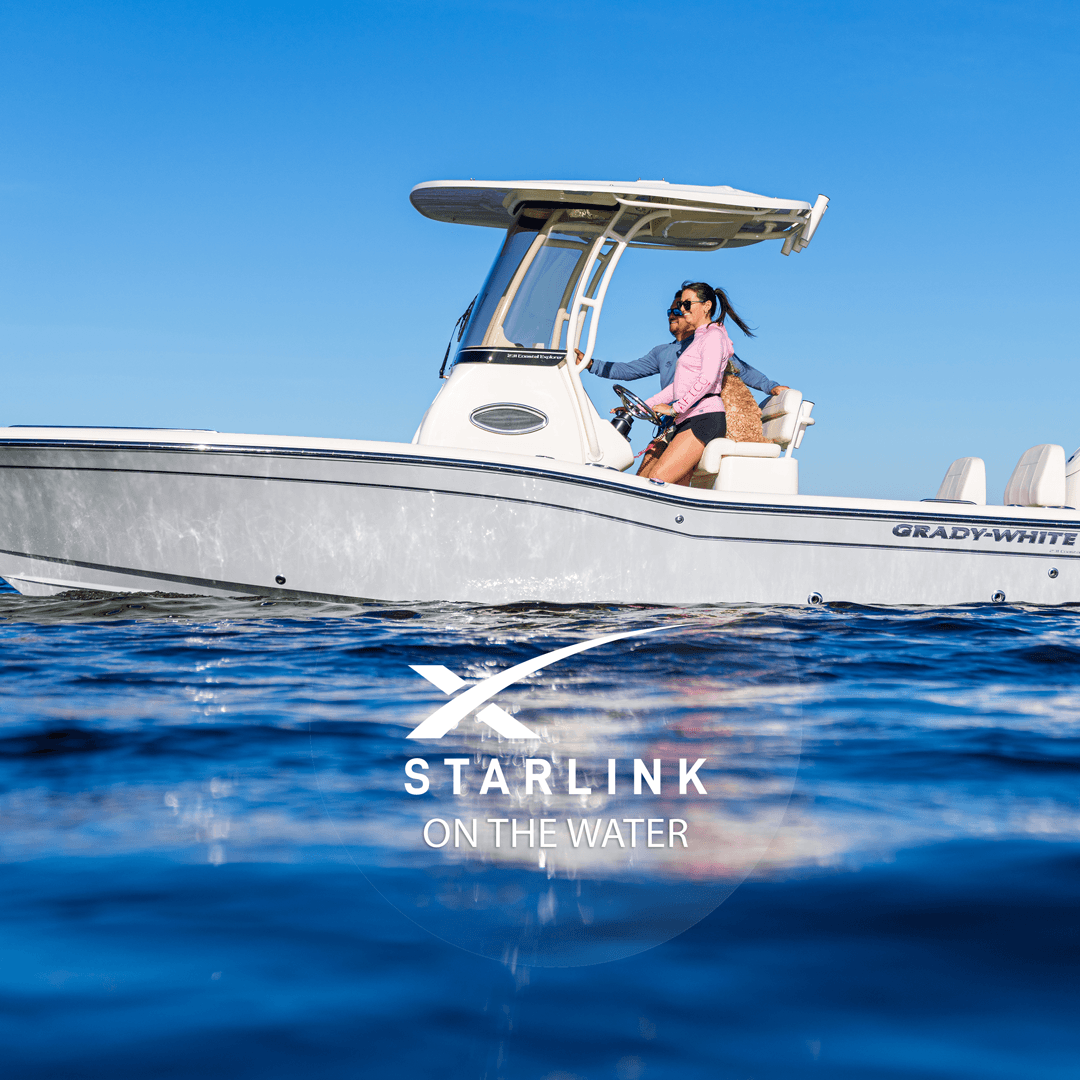
A few years ago, "getting online" on a boat meant a fading cellular signal that quit the moment you cleared the pass, or a marine satellite system that cost more than the outboard with absolutely abysmal speeds. With SpaceX's Starlink - that has all changed. SpaceX's low-earth-orbit satellite internet — now delivers genuine high-speed internet miles offshore, and boaters have adopted it fast. If you are wondering how to install Starlink on a boat or why have Starlink at all - this guide walks through the whole decision, from which dish to buy to where to mount it, how to power it, what it costs, and just how simple the setup really is.
We have spent three decades rigging and servicing boats from our service center here on the Southwest Florida coast, and marine-electronics questions cross our counter every week — lately almost all of them are about Starlink. Here is what boat owners actually need to know.
Can You Really Use Starlink on a Boat?
Yes — ABSOLUTELY -- and thousands of owners now run it daily. The number-one reason boaters add Starlink is simple: you get to keep doing the things you love online, out where cell service used to die. Stream movies and shows on a lazy day at anchor, keep the music going, scroll and post to social, hop on a video call, let the kids watch their shows on a long run, put in a remote work day from the cockpit, or just stay connected with everyone at the sandbar. Because Starlink talks to a dense constellation of satellites overhead instead of a distant tower on land, it holds a real, fast connection well beyond the range where your phone drops to "SOS only" — from an offshore anchorage to a backcountry creek.
Staying connected is a safety plus, too: you can pull up live weather and radar before a run, or reach help if something ever goes wrong. That is a genuine benefit — but for most owners it is the entertainment and everyday connectivity, not emergencies, that make Starlink worth having on board.
The catch is that not every Starlink kit or plan is built for the water. Get the hardware and the service tier right and marine Starlink is genuinely excellent. Get them wrong and you will fight dropouts and a drained battery. So let's start with the hardware.
Which Starlink Hardware Is Right for a Boat?
This is the first and most important decision, and it comes down to how and where you run.
Starlink Standard (the flat, tilting dish). The most affordable kit. It works at anchor or slow speeds, but its motorized tilt and consumer-grade housing are not built for pounding offshore runs or constant salt spray. Plenty of owners use one on a protected pontoon or at the dock, but it is not the marine-rated option.
Starlink Flat High Performance - also known as Performance (Gen 2). This is the dish most serious boaters choose. It has no moving parts, a wide field of view (so it keeps the sky in sight as the boat rocks and turns), better performance in rain and heat, and a rugged, water-resistant build. It is the unit designed to live permanently on a vessel. It costs more and draws more power, but for anyone running offshore it is the right tool.
Starlink Mini. A compact, low-power dish with Wi-Fi built in — a great grab-and-go option for a center console, a flats skiff, or a second boat where you want connectivity without a permanent install. Top speed and coverage are lower than the Flat High Performance, but the small footprint and modest power draw are ideal on smaller boats.
The short version on the best Starlink for boats: a day boat or smaller center console should look hard at the Mini; a boat you run offshore and want always connected wants the Flat High Performance, which has become the marine standard.
Choosing the Right Mount for Your Boat Type
A Starlink dish needs a clear, unobstructed view of the sky in every direction, because the boat pitches, rolls, and swings on the anchor while the dish tracks satellites overhead. Anything blocking that view — a hardtop lip, an antenna, a tower leg, an outrigger — causes dropouts. The best location depends on your boat:
Center console with a hardtop or T-top. The top is usually the flattest, highest, clearest spot. The Flat High Performance is designed to sit on a surface like this.
Boats with a radar arch or tower. Height helps — the higher the dish, the better the horizon view. Just make sure it clears radar domes, antennas, and lights so nothing casts a "shadow" over it.
Any boat, using a dedicated pole or rail mount. Marine mount makers now sell purpose-built Starlink mounts and adapter plates that bolt to a rail, tower, or leaning post. These are the cleanest way to get a solid, removable install without drilling into your hardtop — a popular choice for a Starlink boat mount on center consoles.
Wherever you choose, back the hardware properly, bed every fastener that penetrates a surface with marine sealant, and picture how the dish will take a real head sea before you commit.
Installing Starlink on a Boat: Mount It, Power It, Turn It On
Here is the good news: once the antenna is mounted and powered, the dish itself is essentially plug-and-play. There is no aiming and no tuning — the only real work is the mount and a clean power feed. After that, you plug it in, open the Starlink app, and turn it on, and the dish points itself and connects.
1. Mount the dish — the one real job. Fasten the mount to a solid, backed surface with a full, clear view of the sky, and seal every penetration against water. On fiberglass, over-drill and fill with epoxy where you can so fasteners bite into solid material, not raw laminate. Mount choice by boat type is covered above — this is the part worth taking your time on.
2. Give it power. A home Starlink runs on household AC; a boat runs on 12-volt (or 24-volt) DC. Two easy options: run it through a pure sine wave inverter that converts your DC house bank to AC, or use a DC power cable/adapter that feeds the dish directly from your 12V system — more efficient and the cleaner route for a permanent setup. Route the single dish cable from the mount down to a dry spot for the router, using a marine cable gland where it passes through a surface. Budget for the load — a high-performance dish pulls real amperage, so make sure your batteries, charging, and wiring are sized for a full day at anchor.
3. Turn it on. Plug in, open the Starlink app, and power up. The dish finds the satellites and comes online on its own, then broadcasts its own Wi-Fi that phones, tablets, chartplotters, and laptops can join. On a bigger boat you can feed it into a dedicated marine router to blanket the vessel or fail over to cellular near shore, but for most owners the built-in Wi-Fi is plenty for solid Wi-Fi on a boat. That's genuinely it — mount, power, on.
Picking a Plan: Roam vs. Mobile Priority vs. Maritime
Hardware is only half of it — the service plan decides where and how well it works on the water. Starlink changes its plans often, so confirm the current tiers on Starlink's site before you buy, but the structure matters:
The land/RV-style Roam plans are inexpensive and fine at the dock or just off the beach, but they are not prioritized over open ocean and can slow or drop as you get farther out. The Mobile Priority and maritime tiers are built for in-motion use on open water and hold up offshore — they cost more and are what a real cruising or offshore boater wants. Match the plan to how you actually run: for a Southwest Florida boater who stays inshore and nearshore around Fort Myers, Bonita Springs, and Naples, a lower tier often covers it; if you run well offshore to the wrecks and reefs, step up to Starlink maritime or Mobile Priority.
What Does Starlink Cost for a Boat?
There are two costs: a one-time hardware purchase and a recurring monthly plan. The Mini is the least expensive dish; the Flat High Performance is a bigger up-front investment. Monthly cost then depends entirely on the plan tier you choose — a basic Roam plan is modest, while the maritime and Mobile Priority tiers built for serious offshore use cost considerably more. Because SpaceX adjusts pricing regularly, check Starlink's site for current numbers before you commit.
One feature seasonal boaters love: most plans can be paused and resumed month to month. If you only get out part of the year, you can suspend service in the off-season and pay only for the months you are actually on the water. Starlink periodically tweaks its pause and reactivation rules, so confirm the current policy — but the ability to turn it off when the boat is on the trailer is a real money-saver.
Downsides and Things to Know Before You Install
Starlink is excellent, but go in clear-eyed. It needs an unobstructed view of the sky, so a hardtop, tower, or antenna in the wrong spot will cause dropouts. The higher-performance dishes draw meaningful power, which matters on a boat living off a battery bank. The hardware and offshore plans are not cheap. And it is one more piece of gear mounted in a harsh salt-and-sun environment — down here in Southwest Florida, heat, salt spray, and summer lightning are hard on electronics, so quality mounting and sealing are not optional. None of these are deal-breakers; they are just the trade-offs to plan around.
DIY or Professional Install?
Honestly, most of this is genuinely DIY. Getting the dish online takes minutes once it has power, and a simple Mini on a small boat is an easy weekend project for a handy owner. The one part worth a second thought is the mount and power feed on a permanent Flat High Performance setup — drilling and bedding a mount on a hardtop or tower and tying cleanly into a 12V system is where a little rigging experience pays off, keeping it leak-free and corrosion-free for the long haul.
If you would rather have that part done clean, that is exactly the kind of marine-electronics rigging our service and parts department handles every day. Mount it yourself and turn it on, or let us dial in the mount, power, and wiring for our Southwest Florida conditions — either way, get in touch if we can help.
Frequently Asked Questions
Can you use Starlink on a boat? Yes — with the right hardware (ideally the Flat High Performance or the Mini) and a plan suited to how far offshore you run, it works well on a moving boat.
What is the best Starlink plan for a boat? It depends on range. Inshore and nearshore boaters can often use a lower Roam tier; offshore boaters want Mobile Priority or a maritime plan that is prioritized over open water.
Can I install Starlink myself? For the most part, yes — once it is mounted and powered, the dish is essentially plug-and-play, so you plug in, open the app, and turn it on. The mount and 12V wiring on a permanent high-performance setup are the only parts where a rigging pro is worth it.
Does Starlink work far offshore in Southwest Florida? With a marine-grade dish and an ocean-prioritized plan, it holds a connection well beyond cellular range — out to the offshore wrecks and reefs off Fort Myers and Naples.
Bottom Line for Southwest Florida Boaters
Starlink has made real, fast internet on the water genuinely attainable, whether you are streaming at anchor, keeping the kids happy on a long run, working a remote day from the cockpit, or just staying connected with everyone at the sandbar. Choose the hardware that matches how you run, pair it with the right plan, mount it where it can see the whole sky, power it, and turn it on.
And if you are shopping for the boat to put it on, come see us. From new Grady-White, Robalo, Chaparral, and Premier models to quality pre-owned boats, our team across Fort Myers, Bonita Springs, and Naples can help you find a rig ready for whatever electronics you want to add. Fair winds and strong signal.